Triggering the analysis
Single file
To analyze a single file, open the file in your editor and run a command from the command palette (F1 or Ctrl+Shift+P).
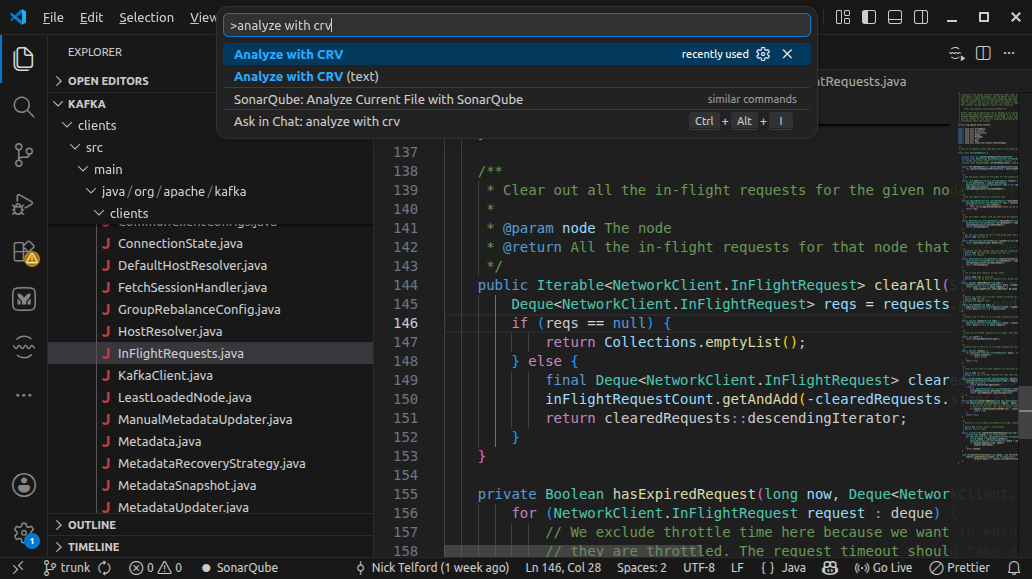
The "Analyze with CRV" command will open a new graph view (See Graph view interface). The "Analyze with CRV (text)" command is for debug purposes and will open a new text view with the analysis results in JSON format.
Many files
Instead of selecting the currently opened file, you can choose files from Explorer. Right-click on a file, folder or many selected items and select the "Analyze with CRV" command.
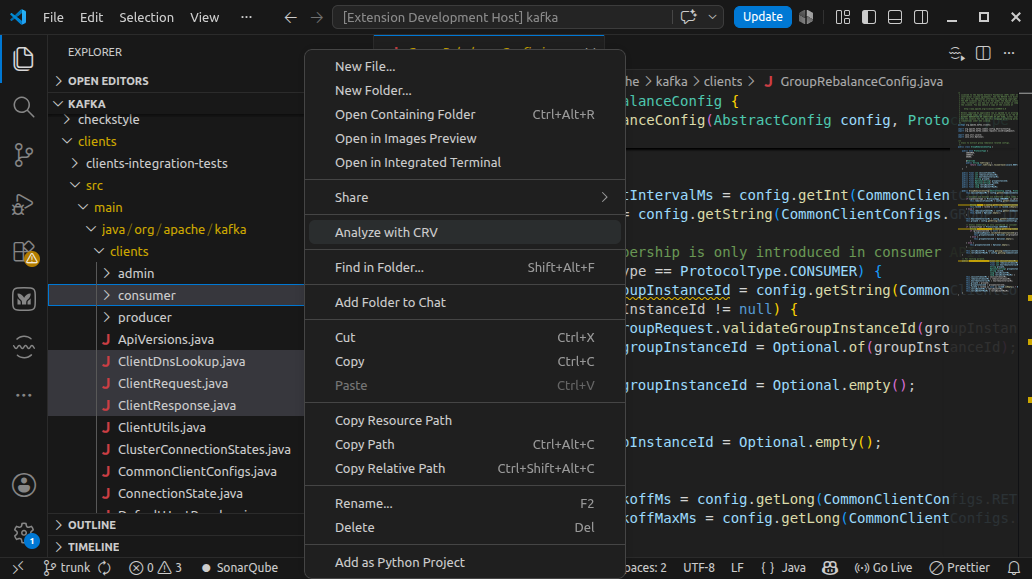
Any selected directory will be recursively traversed.
The language of the files is determined by their extension and one graph can be constructed from files of the same language. If among selected files, and files within the selected directories, there are files of different extensions, the analysis will fail.